Color separations — plus quoting, pre-flight & ink matching.
AI Separations is a standalone prepress studio for screen printing & DTF: AI color separation, an instant quote generator, a print-readiness check, profit modes, and ink matching to the inks you already stock — all in one app. No Photoshop.
Upload one design, get press-ready plates back · no card · no Adobe · no install
Want to keep separating? Separate free in your browser — first separation free: full plates, no watermark · download the Windows trial · 30-day money-back on the $179 app.
See it run in 30 seconds
One logo in. Spot-color plates, an instant screen-print quote and press-ready film positives out — no Photoshop, no plug-ins. The free browser tool and the $179 desktop app run the same separation engine — the desktop app adds the production tools: batch runs, your own ink inventory, trapping, registration marks and RIP output.
Three studios. One credit balance.
Separation Studio
Press-ready color separations from any artwork — plus Print Doctor, instant quoting and ink match.
Halftone Studio
Gritty threshold, retro halftone, vintage dithers and procedural distress — styled in seconds, any ink color.
Free Shop Tools
The daily utilities every shop runs on — free forever, no signup, right in your browser.
One design in. Every plate out.
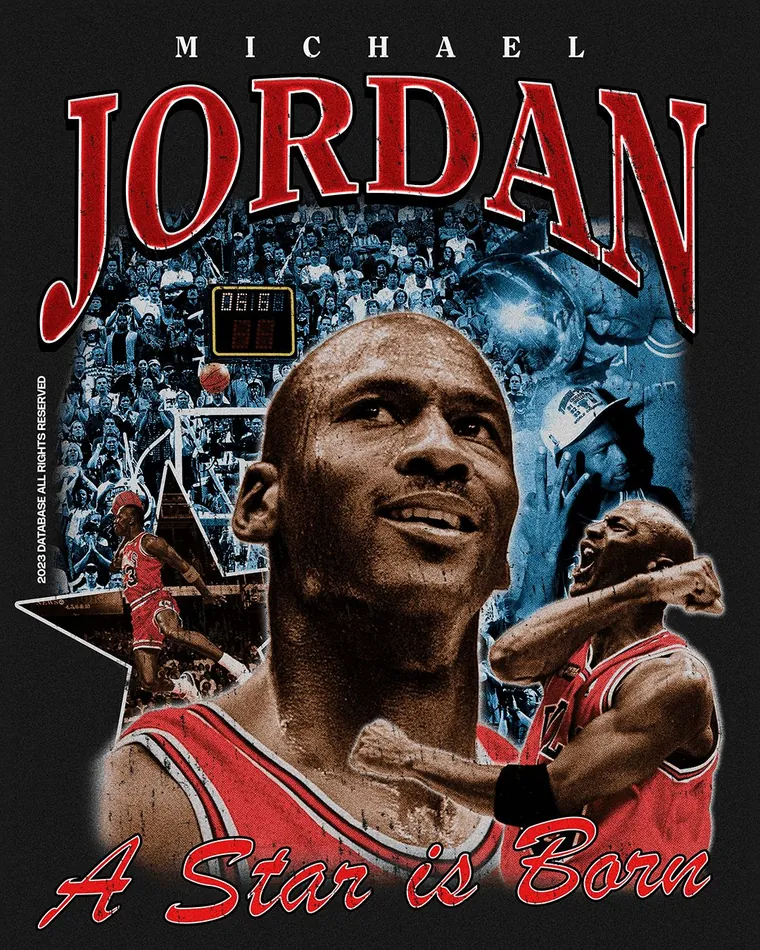
A real result from AI Separations — one full-color design split into clean, press-ready plates with a white underbase, automatically, in seconds. The kind of job that takes an hour of hand-masking in Photoshop.
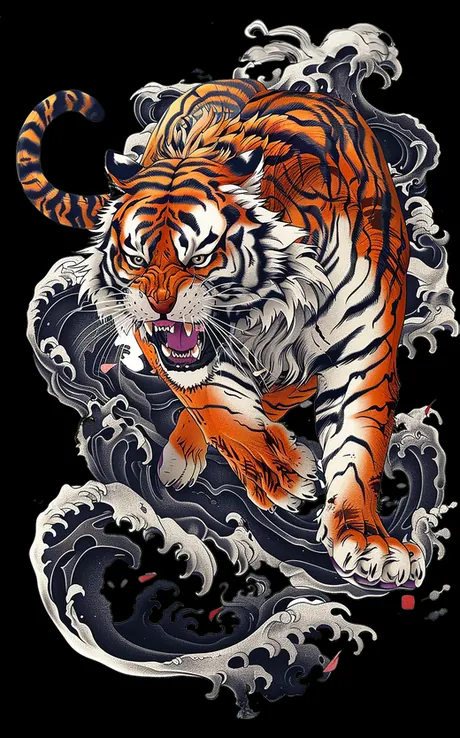

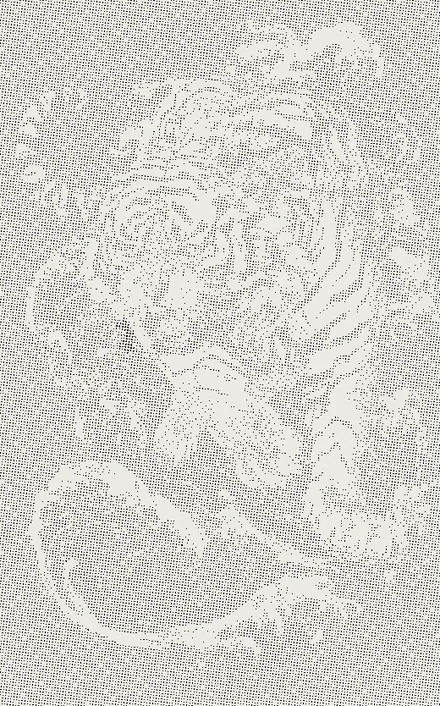
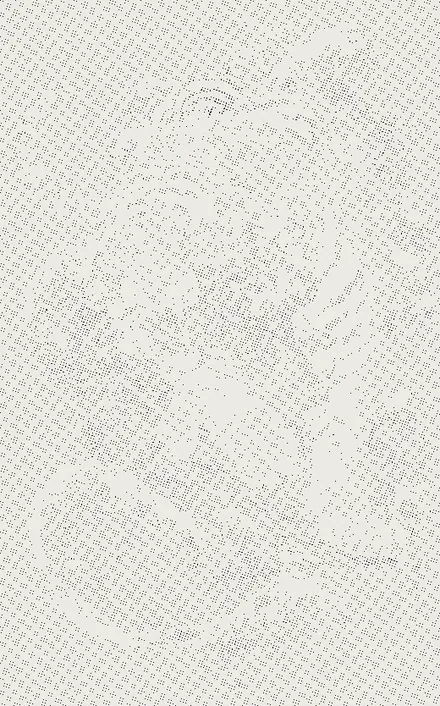
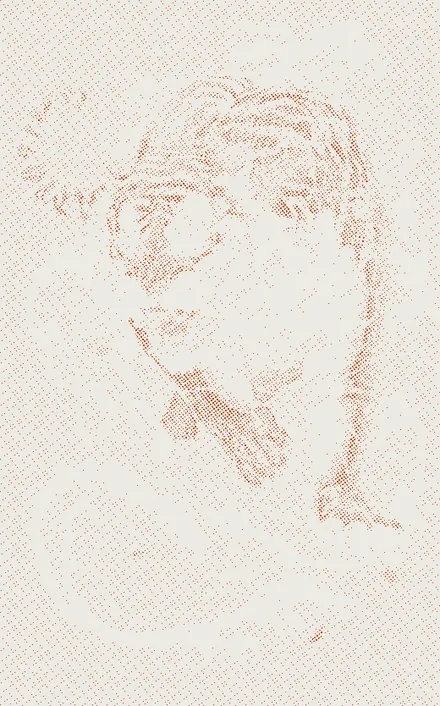
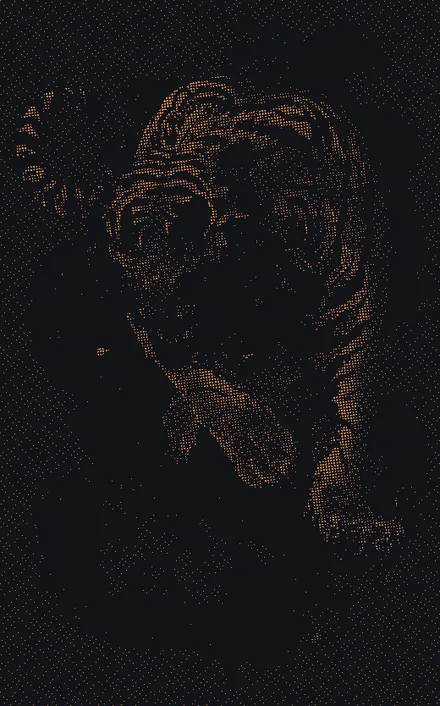
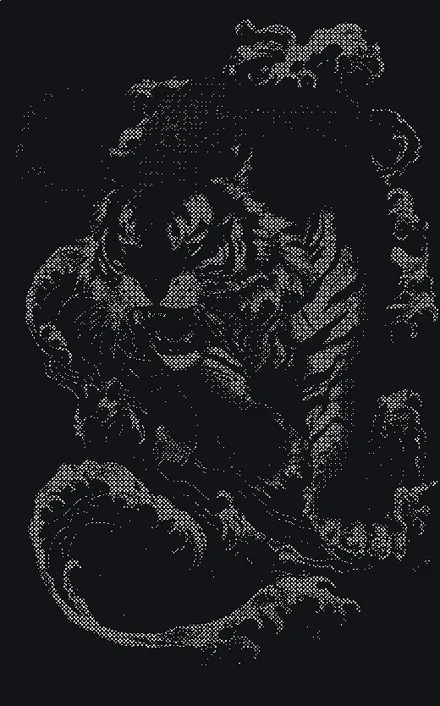
9 press-ready screens from one upload. Halftoned or solid spot plates, with registration marks. Drop in your own art and watch it happen — free in your browser.
See it work
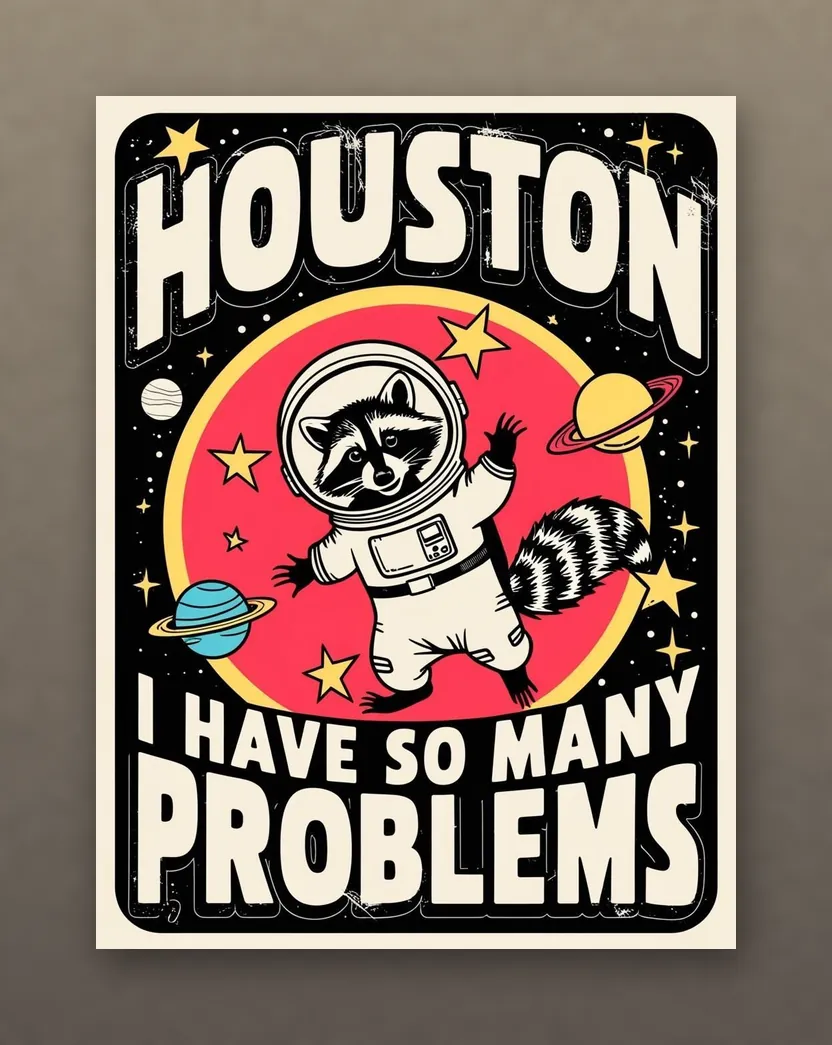
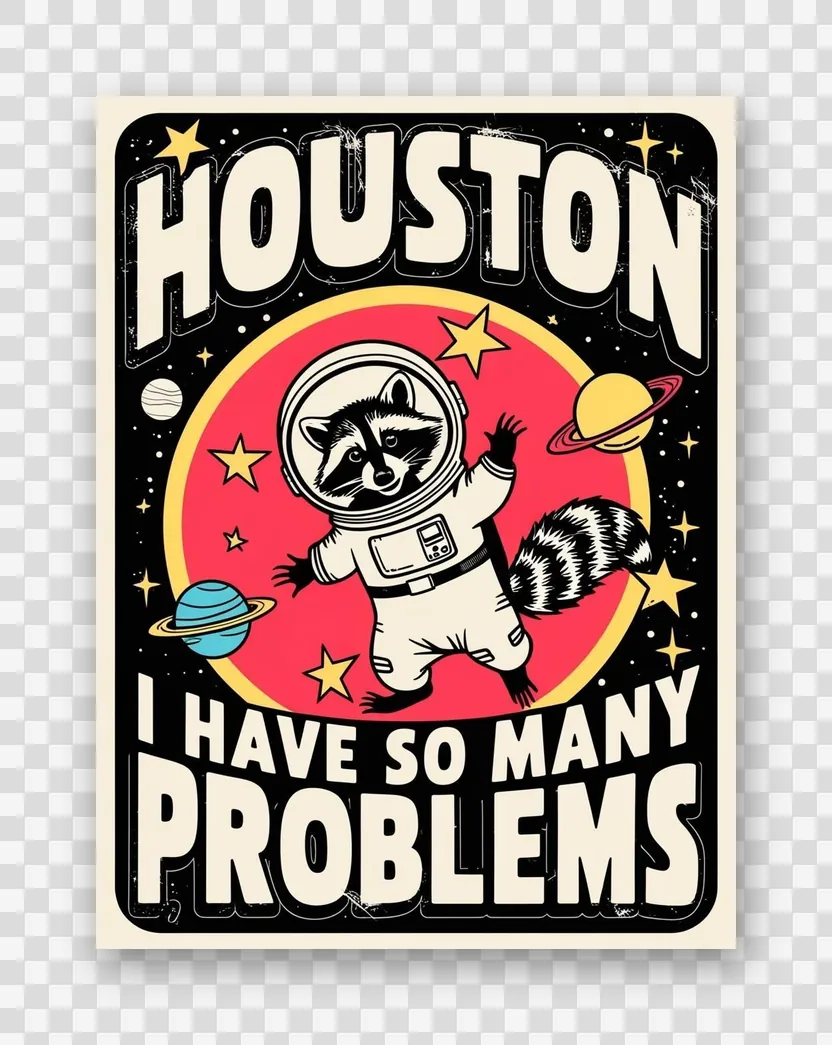
Real output from the built-in AI prep — drop the art in, get press-ready results.
 Before
 After
After Before
 After
AfterEverything the press wants — handled in one app
Simulated-process and spot separations with the production details that make prints pop, plus AI that does the boring prep for you.
AI Separation Advisor
AI reads the artwork and recommends ink count, palette, underbase, and garment — so even beginners get a pro setup.
AI background removal
One click strips the background off a customer file. No clipping paths, no masking, no Photoshop pen tool.
AI upscaling
Rescue low-res customer JPEGs before they wreck the print. A real ML model rebuilds detail.
Simulated-process & spot
Halftone-screened plates at proper angles and LPI, or spot color for solid, crisp-edge plates on logos and flat art — plus registration marks so every screen lines up on press. Both modes free in your browser.
Underbase & highlight white
Trapping, choke/spread, and white layers handled automatically — the details that make dark-garment prints pop.
Match to the inks you own
Upload the inks your shop already stocks and every separated color snaps to what's on your shelf — with the closest Pantone to order when nothing's close. Mix the right ink the first time.
The hand-control the $400 plugins charge for
Auto-sep gets you 90% there in seconds — then take over. Native vector/PDF separation, manual plate editing, real ink libraries, ink-saving GCR/UCR, RIP-grade screening, and registration marks — without Photoshop or a separate RIP.
Per-ink density control
Dial any ink plate up or down — “knock the yellow back 15%, push the red” — without touching the others. Selective, per-color saturation, the way a pro separator tunes a job.
RIP-ready output + hot folder
Export per-plate EPS films at true print size and the print-ready PDF — then auto-drop them into your RIP's watched hot folder (AccuRIP or any RIP). No manual feeding.
Vector / PDF separation
Export your Illustrator or CorelDRAW art to PDF, drop it in, and it reads the exact flat colors — converting messy process into clean, buyable spot colors with crisp solid plates. No k-means guessing on vector logos.
Registration marks on export
Stamp crosshair registration targets in a margin on every plate and the print-ready PDF, at identical positions — so your screens line up on press, every job.
Manual channel editing
Brush paint or erase any plate — ink, underbase, or highlight white — then re-screen in one click. Fix a closed-up detail or pull back ink by hand, like a pro separator would.
Real ink libraries + snap-to-ink
Separate to inks you can actually buy or mix. Pick a library — Pantone solids, plastisol stock, or branded sets (Wilflex, Rutland, Union) — or load your own, and snap the palette to the closest real inks with ΔE accuracy shown.
GCR / UCR ink reduction
Gray Component Replacement pulls the shared neutral onto the black plate, and Under-Color Removal thins white under heavy black — less ink, cleaner neutrals, softer hand.
RIP-grade screening
Mesh-count presets that set the right LPI, moiré-safe screen-angle sets, and highlight/shadow dot limits so small dots hold and shadows don’t plug — RIP control, built in.
Art-type presets
One pick dials in the whole separation for tricky art — bold vector logos, gradients & blends, skin tones, or full photographic simulated-process.
Watch a real separation start to finish
A full run in the app — art in, palette auto-picked, ink-matched, and every plate screened at 60 LPI. No cuts, no Photoshop.
The only separation studio that also runs the shop
Quoting and separating are the same job — so we built them into the same app. Price the work, catch the file's problems, dial in for profit, and separate to the inks already on your shelf. Nobody else puts these in one suite.
AI Print Doctor
“See every print problem before it costs you a screen.”
One diagnostic report flags low resolution, too many colors for your press, banding gradients, transparent edges that leave DTF glue residue, fine detail that’ll close up, whether it needs an underbase, and whether it’s really a screen or DTF job.
How the print-readiness check worksInstant Quote Generator
“Know what to charge before you waste time separating the file.”
Screens, setup, press time, suggested retail, and a customer quote — with your profit margin — in seconds. Quote from the palette before you separate, or auto-priced from the real screen count after.
See the quote calculatorProfit Mode
“Choose quality, speed, or profit before generating the final seps.”
Cheapest, fastest, best-quality, lowest-screen-count, or premium — pick a goal and the app retargets the whole separation. The same art as 8 colors for quality, 6 for balance, or 4 for budget, with the price and quality tradeoff shown side by side.
Explore Profit ModeInk Inventory Matching
“The separation uses the inks already on your shelf.”
Enter the inks you stock — Wilflex, FN-INK, or your own mixes — and every color snaps to what you own instead of colors you’d have to buy. With Delta-E warnings, the closest Pantone to order, and a mixing recipe when nothing’s close.
See ink inventory matchingEven hand-drawn art comes out press-ready
This watercolor puppy is soft pencil lines and loose washes — no flat colors to grab onto. AI Separations reads the shading and screens it as simulated-process halftones: a clean film positive for every tone, plus the white underbase, automatically.
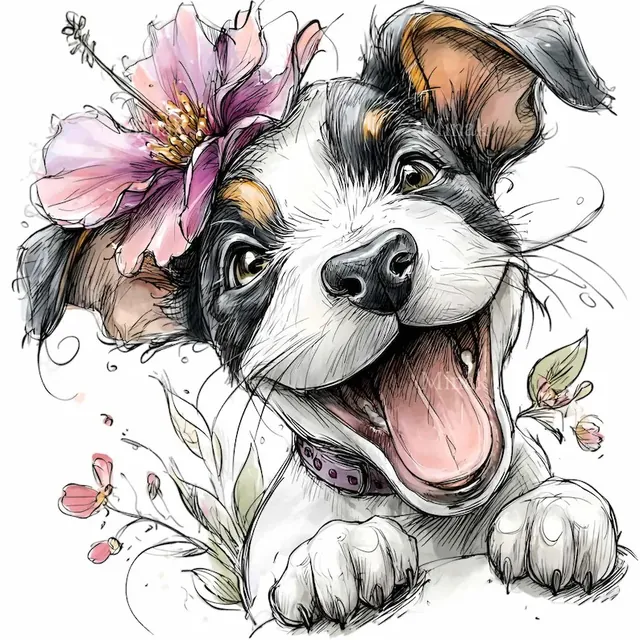
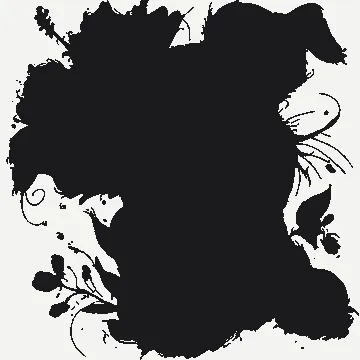
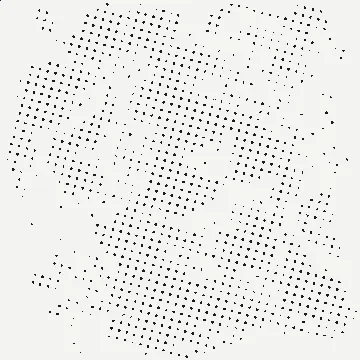
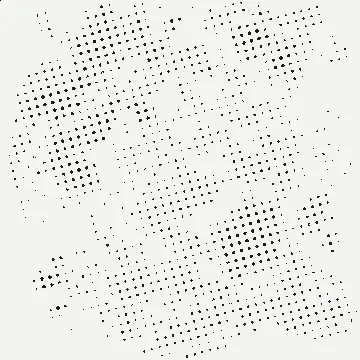
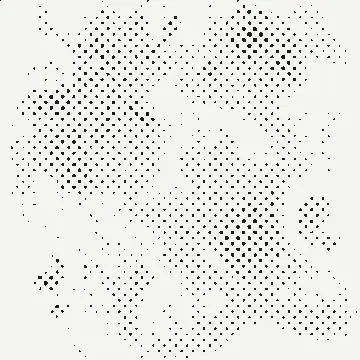
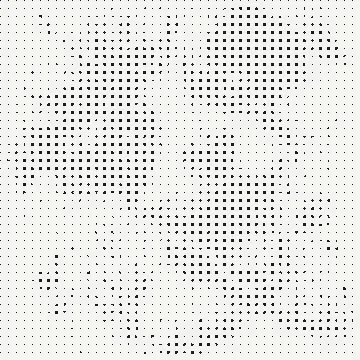
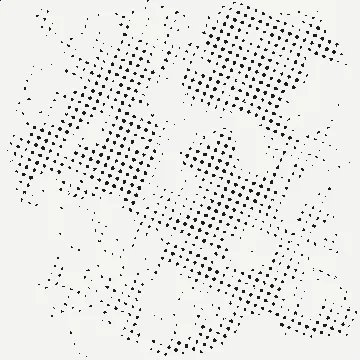
7 press-ready screens from one sketch. Halftones, angles, and the white underbase built automatically — separate your own art free.
Stop renting Photoshop just to pull seps
Real AI where it helps — proven math where it counts
We're specific about what's AI so you never get caught out by a skeptical printer.
Genuinely AI
- ✓ Background removal — real ML model (u2net)
- ✓ Upscaling — real ML model (Real-ESRGAN)
- ✓ Separation Advisor — neural vision reads the art & recommends setup
Proven math (not "AI")
- ⚙ The separation engine itself — ink unmixing + halftone screening, the same trusted process the pros use.
The AI does the prep and the setup; the engine that pulls your plates is dependable, repeatable math.
Plus a free Gang Sheet Builder
Auto-nest your designs onto DTF film or transfer paper, fine-tune by hand, and export print-ready at full DPI — no per-sheet fees. Separate the art in AI Separations, then gang it up here.
Try it free. Pay to print.
The free web tool and trial let you separate any file and see every plate at full quality — and your first separation is completely free: full plates, no watermark, ready to print. After that, paying unlocks the clean, production files a press can actually burn.
Bottom line: free proves the quality, paid gives you the files — un-watermarked plates, print-ready film, and PDF ready for the press.
Free to start. Pay the way that fits.
Try it free on your trickiest file — then buy web credits from $29, or own the desktop app outright. No Adobe, ever.
Free trial
- Full separation engine — spot & simulated process
- AI background removal & upscaling
- See every plate at full quality on screen
- First export free & clean — full press files, no watermark
- After that: exports watermarked · no print-ready PDF
Web credits
- First separation free — full plates, no watermark
- Runs in any browser — nothing to install
- Download every press-ready plate
- AI background removal & upscaling
- 1 credit = 1 separation · credits never expire
- Bigger pack: 50 for $99 · under $2 a separation vs $20+ to outsource
Secure checkout by Stripe
AI Separations
- Clean, un-watermarked production exports
- Print-ready film + Illustrator PDF
- AI Separation Advisor (smart setup)
- Everything in the trial, unlocked
- Free updates
- Desktop only: batch separation, ink inventory & brand ink catalogs, auto-trap & highlight white, halftone angles/mesh/dot shape, Profit Mode quoting, RIP hot folder
- Windows · Mac beta (Apple silicon)
Secure checkout by Stripe · 30-day money-back guarantee
💻 On a Mac? Download the Mac beta (Apple silicon, M1 or later). On Linux, an iPad or an Intel Mac, the free web tool runs in any browser.
Use the Color Separation API instead
For print-on-demand platforms and shops separating at volume — meter it by the separation. Pay-as-you-go credits or a monthly plan, from $0.10 each. POST artwork, get back press-ready plates.
AI color separation, answered
What is AI color separation software?
AI color separation software turns a piece of customer artwork into the individual ink "plates" a press needs — but instead of hand-masking everything in Photoshop, the AI does the prep: background removal, upscaling, and a recommended setup (ink count, palette, underbase). AI Separations is a standalone desktop app (Windows, plus a Mac beta for Apple silicon) that pulls simulated-process and spot-color separations without Adobe.
Do I need Photoshop to pull color separations?
No. AI Separations is standalone — it runs on its own with no Photoshop, no Illustrator, and no Adobe subscription. You open your art, separate it, and export press-ready film. That's the whole idea: stop renting Photoshop just to pull seps.
What's the difference between simulated process and spot color separation?
Simulated process builds shades from halftone dots — best for photos, gradients, and detailed art. Spot color fills each area with the single closest ink — best for logos and flat vector art. AI Separations does both, and the AI advisor recommends which one fits your artwork.
Does it work for DTF transfers?
Yes. The same simulated-process and spot separations work for DTF, and the AI background removal cleans up rough customer files before you print the transfer.
Is there a free trial?
Yes — download and evaluate the full app for free, including AI background removal and upscaling, and see every plate at full quality on screen. Your first export is completely free with no watermark and the full press files; after that, trial exports are watermarked. Clean production exports plus the AI Separation Advisor unlock with a one-time $179 license.
What does the AI actually do?
Three things: AI background removal (a u2net model), AI upscaling (Real-ESRGAN) to rescue low-resolution customer files, and the AI Separation Advisor — a vision model that reads the artwork and recommends the print mode, ink count, palette, and underbase. The separation engine itself is proven halftone math, not AI.
Can it quote a screen printing job?
Yes. The built-in Instant Quote Generator turns the job into a price: number of screens, setup charge, estimated press time, suggested retail per piece, and a total customer quote — with your profit margin shown. You can quote from the palette before you separate, or have it auto-price from the real screen count after. The pricing model (labor rate, setup, ink, markups, quantity breaks) is fully editable to match your shop.
Will it separate to the inks I already own?
Yes — that's Ink Inventory Matching. Enter the inks you stock (pick from brand catalogs like Wilflex and FN-INK, or add your own mixes), and every separated color snaps to the closest ink you actually own instead of colors you'd have to buy. Out-of-stock colors get a Delta-E warning, the closest Pantone to order, and a two-ink mixing recipe. You can calibrate each ink to its measured color so matches are exact for your shelf.
Can it tell me if a file will print well, or whether it should be screen or DTF?
Yes — the AI Print Doctor runs a pre-flight on the artwork and reports resolution, color count vs your press, banding gradients, transparent edges that cause DTF glue residue, fine detail that may close up on press, whether it needs a white underbase, a screen-vs-DTF recommendation, and whether the screen count makes it profitable. It's a clear readiness report before you waste time separating a file that won't print well.
What is Profit Mode?
Profit Mode lets you pick a goal for the job — cheapest production, fastest print, best quality, lowest screen count, or premium — and the app retargets the whole separation to match. A complex design might separate as 8 colors for quality, 6 for balance, or 4 for budget, and you see the price and quality tradeoff side by side before generating the final seps.
Try it on your next job — free.
Download AI Separations, run your trickiest customer file through it, and pull a clean set of separations in minutes. No Photoshop. No risk.