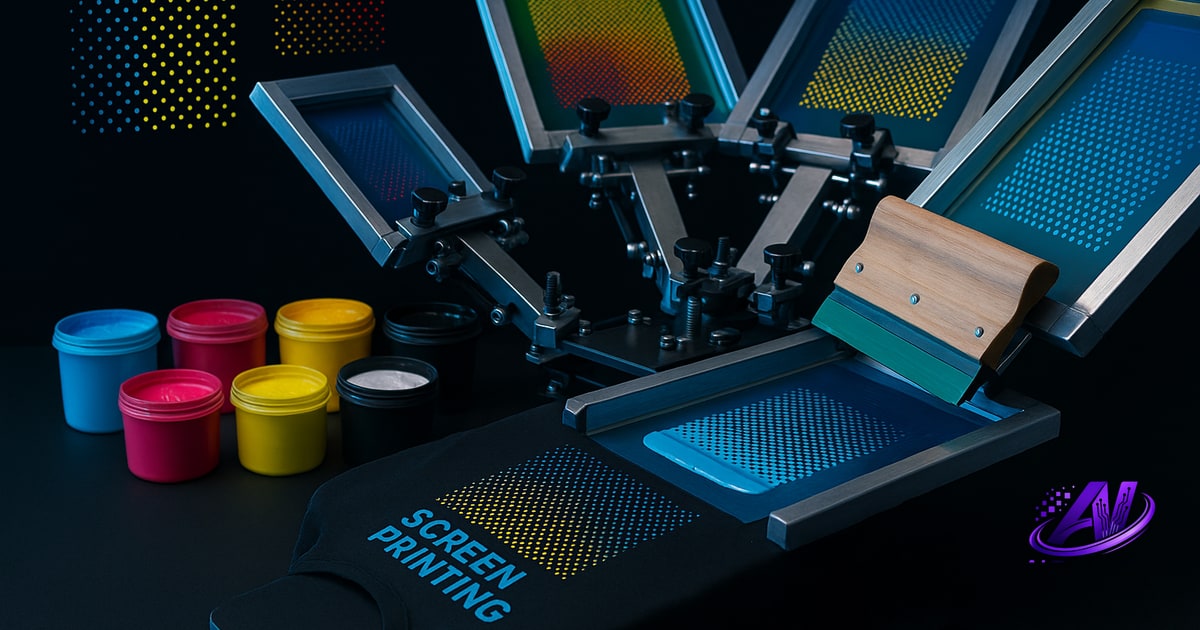
The Short Answer: It Depends on Your Press and Separation Strategy
There's no universal cap on how many colors you can screen print—your limit is set by your press configuration, your ability to flash-cure between stations, and whether you're separating spot colors or running simulated process.
A 4-station manual press can print four spot colors in one pass, or eight if you flash and rotate. A 10-color automatic can handle ten inks in a single run, or more if you dedicate stations to flash units. But color count alone doesn't tell the whole story: a six-color simulated-process job on dark shirts can look more vibrant and detailed than a twelve-color spot build that wasn't separated well.
The real question isn't can you print it—it's whether the design, garment, and your setup make it profitable. High screen counts eat setup time, burn through reclaim chemistry, and slow your press. Sometimes a four-color sim-process sep beats a ten-color spot job on both quality and margin.
Spot Color vs Simulated Process: Two Different Limits
Spot-color separations assign one screen to each ink. A design with red, white, navy, and yellow needs four screens. If your art has twelve distinct Pantone swatches, you need twelve screens—or you find a way to mix, overlap, or simplify. Spot jobs shine on vector art, text, and bold graphics with hard edges. They're fast to set up when color counts stay low, but past six or seven screens the economics start to flip.
Simulated-process separations use halftone overlays to blend four to seven inks into thousands of perceived colors. You're not matching Pantone swatches; you're building a full-color photograph or gradient illustration with cyan, magenta, yellow, black, and a white underbase. On dark garments, you might add a highlight white or a specialty top color. Sim process typically maxes out around seven screens, but the visual result rivals a twenty-color spot build—and you only stock a handful of inks.
If your customer brings you a sunset beach scene or a detailed portrait, simulated process is almost always the right call. If they want three-color left-chest logos, spot is cleaner and cheaper. The color limit question shifts depending on which path you choose.
How Press Stations and Flash Curing Expand Your Range
Your press dictates the maximum screens you can mount at once. A 6-station manual carousel holds six screens. A 12-color automatic can run twelve. But effective color capacity also depends on flash-cure stations.
On a manual press, you can print four colors wet-on-wet, pull the shirt, flash it under a separate unit, load it back on registration pins, and print another four. That doubles your color count—but it also doubles touch time and introduces registration risk. For short runs or samples, it's viable. For five-hundred-piece orders, you'll want enough heads to print all colors in one rotation.
Automatics often dedicate one or two stations to in-line flash units. A ten-head press might run seven inks, flash, then lay down three more. Some shops configure a white underbase, flash, then four simulated-process colors, flash again, and finish with a highlight white—seven screens total. The sequence matters as much as the station count.
When you're quoting a job, map out your press layout: how many screens, how many flashes, how much dwell time per station. That exercise tells you whether a design is inside your practical limit or needs a separation redesign. Tools like a screen print quote calculator can model setup and press time across different color counts so you price accurately.
Real-World Limits by Equipment and Garment Type
Here's what you'll see in most shops:
- 1–4 color manual press: One to four spot colors, or a simple two- or three-color simulated process on light garments. Perfect for left-chest logos, single-location jobs, and samples.
- 6–8 color manual or entry automatic: Four to six spot colors, or a five- to six-color sim-process build with underbase and highlight white. Enough headroom for most custom apparel and small-brand work.
- 10–14 color automatic: Seven to ten inks in production, with one or two flash stations. High-end sim process, complex spot builds, or specialty effects—foil base, puff additive, discharge underbase, process top colors.
- 16+ color automatic: Rare outside large contract decorators. Used for ultra-detailed art, multi-location gang runs, or hybrid builds that mix spot, process, and specialty inks on a single platen.
Dark garments always add at least one screen (white underbase) and often a highlight white, so a "four-color design" on black becomes six screens in simulated process. Light garments let you skip the underbase, dropping the count by one or two.
DTF doesn't have a color limit—the printer handles full CMYK+white in one pass—but it carries per-print costs (film, powder, ink, press time) that make screen printing more profitable above twenty-five to fifty pieces. If you're weighing screen vs DTF for a high-color job, run the numbers in a screen print profit calculator before you commit to either process.
When to Say No—or Suggest a Better Separation
Not every design should be printed as the customer imagined it. A ten-color gradient illustration might look stunning as a four-color simulated-process sep and unimpressive as ten spot screens with visible banding. A twelve-Pantone corporate logo might be better served by simplifying two nearly identical blues into one mix.
When a design pushes your press limit, you have three options:
- Reduce colors. Combine near-matches, eliminate barely visible accents, or convert gradients to clean vector shapes. Most clients care about the final look, not the original layer count.
- Switch separation methods. If the art is photorealistic, move from spot to simulated process. If it's a bold vector with too many colors, convert to index and merge swatches.
- Outsource or decline. If the design needs sixteen screens and you have eight heads, the job will lose money. Be honest. Suggest DTF for one-offs or refer them to a shop with a bigger press.
AI Separations' Print Doctor flags designs that exceed common press limits and suggests whether spot or simulated process will work better. Profit Mode re-separates the same art five ways—fewest screens, fastest press time, cheapest ink cost, highest quality, and premium retail—so you can show the customer exactly what each strategy costs and looks like before you burn a single screen.
Separating for Your Actual Color Capacity
Once you know your press limit, the separation software needs to respect it. In Photoshop, that means manually splitting channels, naming spot colors, building halftone overlays, choking underbases, and trapping edges—then hoping you didn't miss a color or create a registration nightmare.
AI Separations takes the design, your garment color, and your press setup, then generates spot or simulated-process seps that fit your station count. Tell it you have a six-color press and it won't hand you an eight-screen file. Select your ink inventory—Wilflex, FN-INK, or custom mixes—and it separates to the colors you already stock, eliminating mid-job scrambles for a Pantone you don't have.
The standalone Windows app includes the AI color separator, Print Doctor file-readiness check, instant quote generator, and Profit Mode strategy picker—no Photoshop, no subscription, $179 one-time. You can test it free at aiseparations.com and see whether your next twelve-color nightmare can actually become a clean four-color simulated-process win.
Frequently asked questions
How many colors can you screen print?
You can screen print as many colors as your press has stations, typically 1–8 on manual presses and up to 12–16 on automatic presses, though simulated-process separations let you reproduce thousands of colors using only 4–7 halftone screens.
How many screens do you need for a 4 color design?
A 4-color spot design needs four screens (one per ink), but a full-color design printed in simulated process on a dark garment typically needs 5–6 screens: white underbase, cyan, magenta, yellow, black, and often a highlight white.
What is the difference between spot color and simulated process screen printing?
Spot color uses one screen per solid ink, ideal for logos and vector art; simulated process uses halftone overlays of 4–7 inks to recreate photorealistic images and gradients, producing thousands of perceived colors from a small ink set.
Can you print more colors than your press has stations?
Yes, by flash-curing partway through and rotating the garment for a second pass, but this doubles handling time and increases registration risk, so it's usually only practical for samples or very short runs.
Does printing more colors always cost more?
Generally yes—each additional screen adds setup, reclaim, and press time—but a well-separated 5-color simulated-process job can be faster and cheaper than a poorly separated 10-color spot build, so separation strategy matters as much as screen count.
Try it on your own artwork
AI Separations is a standalone prepress & quoting studio for screen printing & DTF — AI color separation, an instant quote, a print-readiness check, and ink matching. No Photoshop, $179 one-time, free trial.